
Bleeds and safe zones
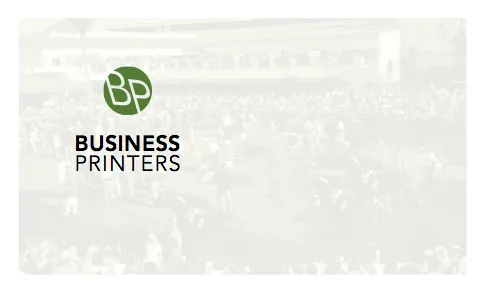
A bleed means a printed piece has ink right to the edge of the paper, like this business card:
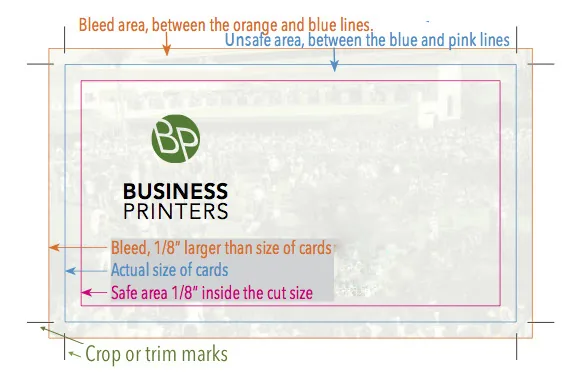
To get a bleed, the artwork has to be larger than the final trim size. It’s printed on a bigger sheet, with the bleed area and crop marks inside the sheet, and then trimmed to size, cutting off the extra image and the marks. In this example, the artwork extends 1/8" on every side, a “1/8-inch bleed”:
Why it’s needed
If a press prints right to the edge of a sheet, ink creeps past the edge and smudges the back of the next sheet. More importantly, industrial paper cutters can’t trim a stack to the exact edge of an image every time, and sheets change size slightly while they dry. Without a bleed, you’d see thin white slivers along some edges.
The safe zone
For the same reason, keep important text and logos at least 1/8" inside the trim line (the “unsafe area” in the diagram) so nothing gets clipped.
If you’re designing anything that bleeds, it’s worth checking with us before you start. We’re happy to send templates.